- Open the Authenticator App on your device
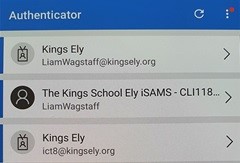
- Click the account which you wish to remove
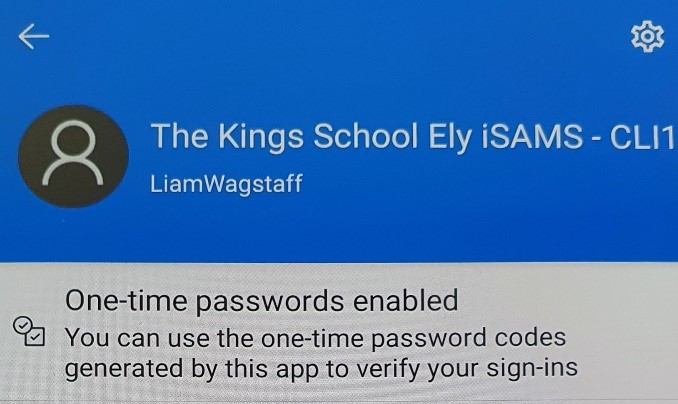
- Click the cog in the top right corner
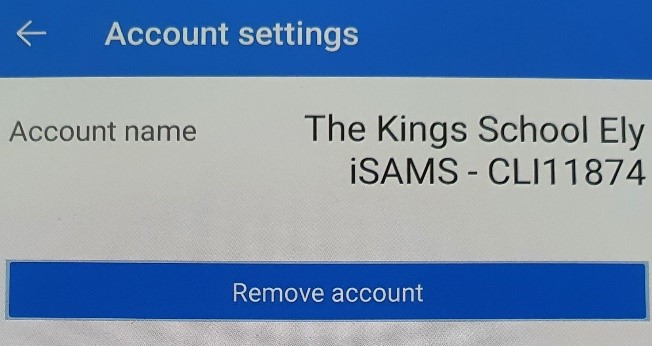
- Click the Remove account button
- Click Remove account on the popup to confirm
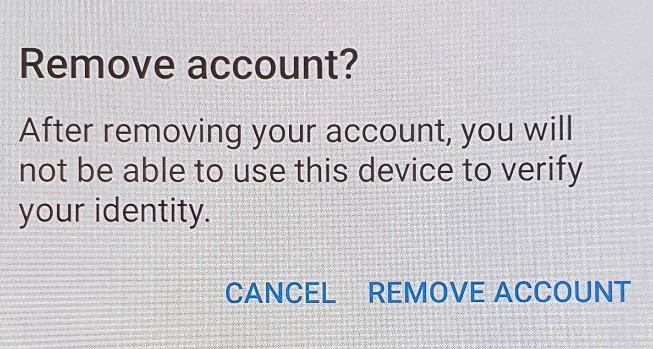
Removing an account from the Microsoft Authenticator App