Skip to main content
-
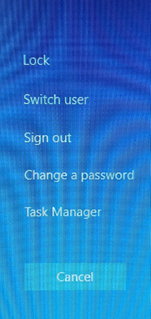
On your keyboard press the CTRL + ALT + DELETE keys together
-
Click the Change a Password option
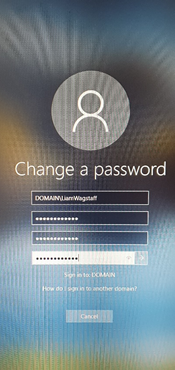
- Enter your current password in the first empty field. Proceed to enter your new password in the second and third empty field
-
To submit the change, click the arrow or press Enter on your keyboard
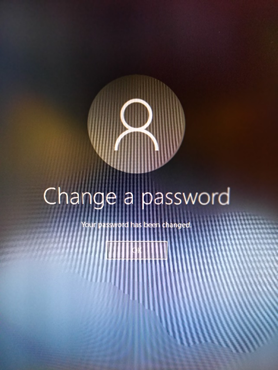
- You will receive the following message informing you that the change was successful. Click OK to finish the process